VLC for Vega OS
VLC on Vega OS: first VLC 4.0 in beta
Today, I am happy to announce the first beta of VLC for Vega OS, for the new generation of Amazon Fire TV devices.
This is a new port of VLC, and an important one: it is the first VLC 4.0 in production. Before VLC 4.0 is even released on the desktop, it is shipping today, on real devices, in real living rooms, built on libvlc 4 and our new QML interface technology. Yes, VLC 4.0 is not fully ready, but it works well enough for some ports.
Vega OS
Vega OS is Amazon’s new operating system for Fire TV devices. It is a Linux-based system, developed in-house by Amazon, and it comes in addition to the Android-based Fire OS that has powered every Fire TV device until now: Fire OS is not going away, and Amazon will keep releasing new versions of it, based on more recent Android.
Amazon had been working on Vega for years, and it quietly shipped on some Echo devices first. It arrived in the living room with the Fire TV Stick 4K Select at the end of 2025, followed by the new Fire TV Stick HD, with more devices to come. These are small, constrained devices: the first Vega stick runs on just 1GB of RAM.
Vega OS is not Android: existing Android applications do not run on it, there is no sideloading of APKs, and every application must be rebuilt for the new platform and distributed through the Amazon Appstore.
Applications on Vega OS are usually written with React Native and web technologies. VLC, as you can guess, is not one of those. :)
VLC for Vega OS
VLC is very present in living rooms: VLC for Android has been, for years, one of the most popular applications on Fire TV and Android TV devices. Since Fire OS is based on Android, the same application runs on all of them.
On Vega OS, this is not the case, so a new port was needed. And we did it, with some support from Amazon.
We started the port in early April, together with the arrival of the new devices, and less than one month later, it was ready. Yes, I took some time to publish this post.
VLC is a native application, written in C, C++ and assembly, so this port brings the real VLC engine, libvlc 4, to Vega OS, together with our new interface written in QML.
This is the same interface that will power VLC 4.0 on the desktop, but modified for TV screens and driven with remote controls. The version running on the device is VLC 4.0.0-alpha, codename Otto Chriek.
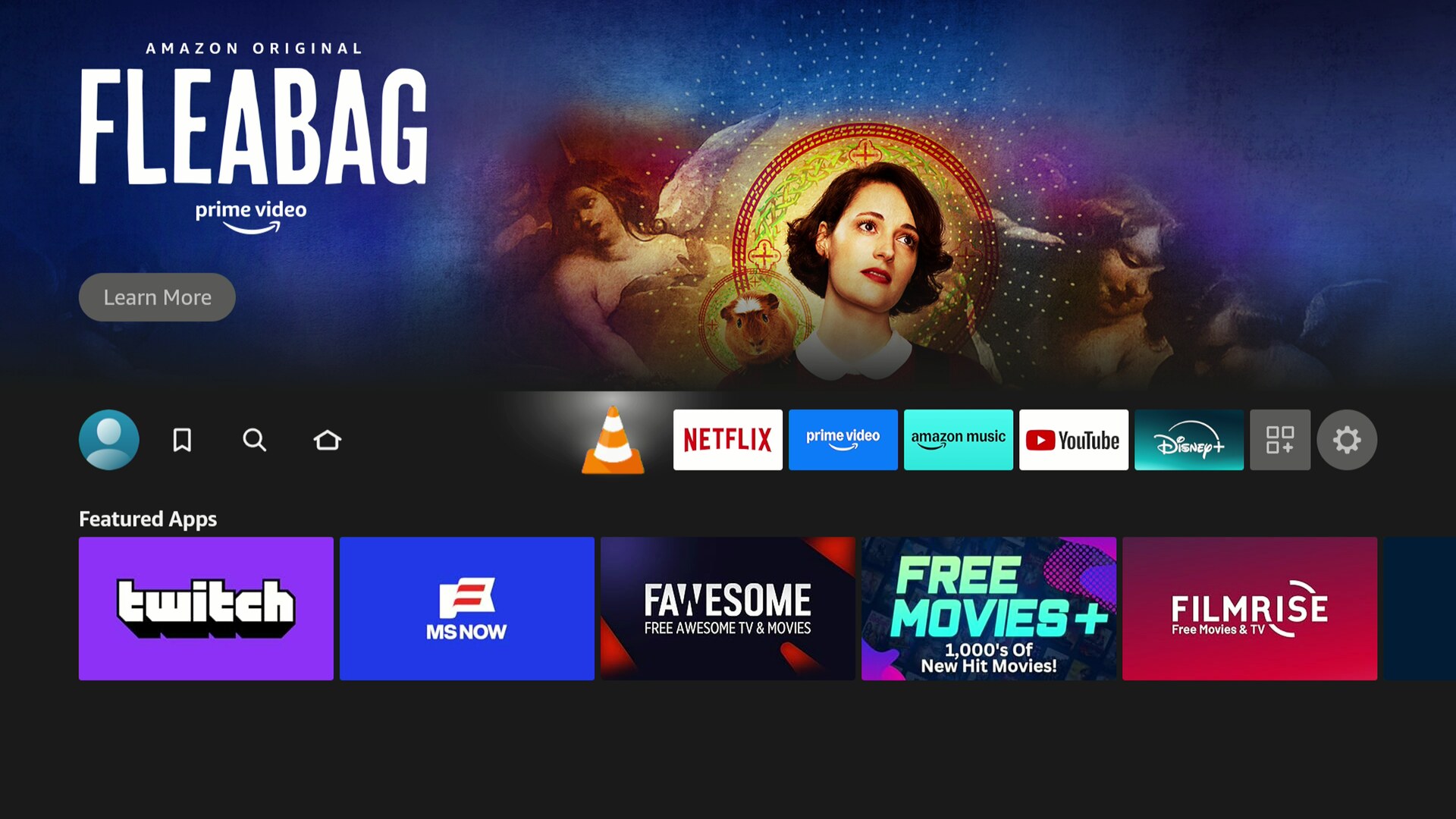
And here it is, the cone, right next to the streaming applications:
Screenshots
Pictures are worth a 100 words, so here are a few screenshots of the current interface:
-
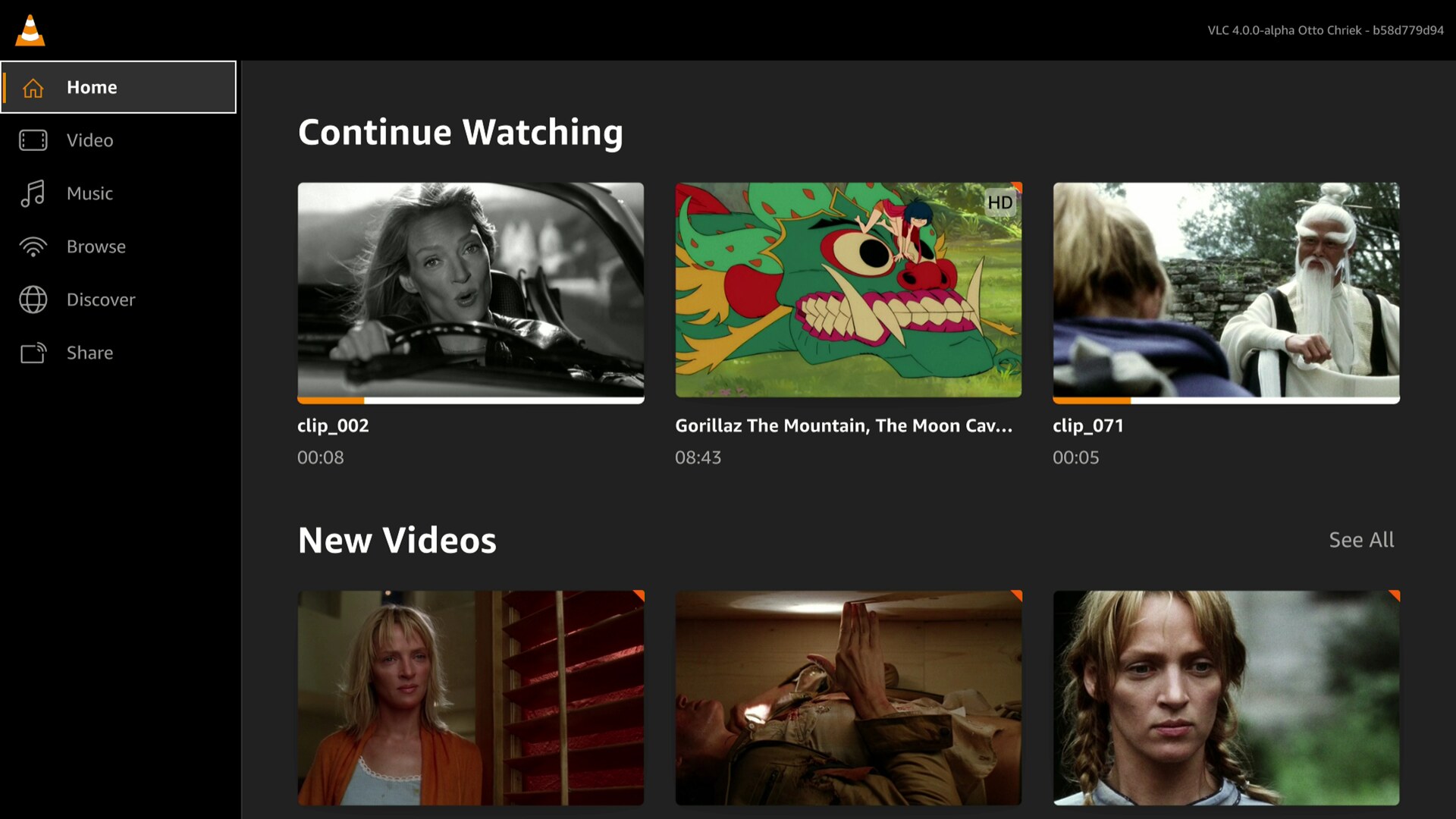
The home screen, with Continue Watching and your new videos -
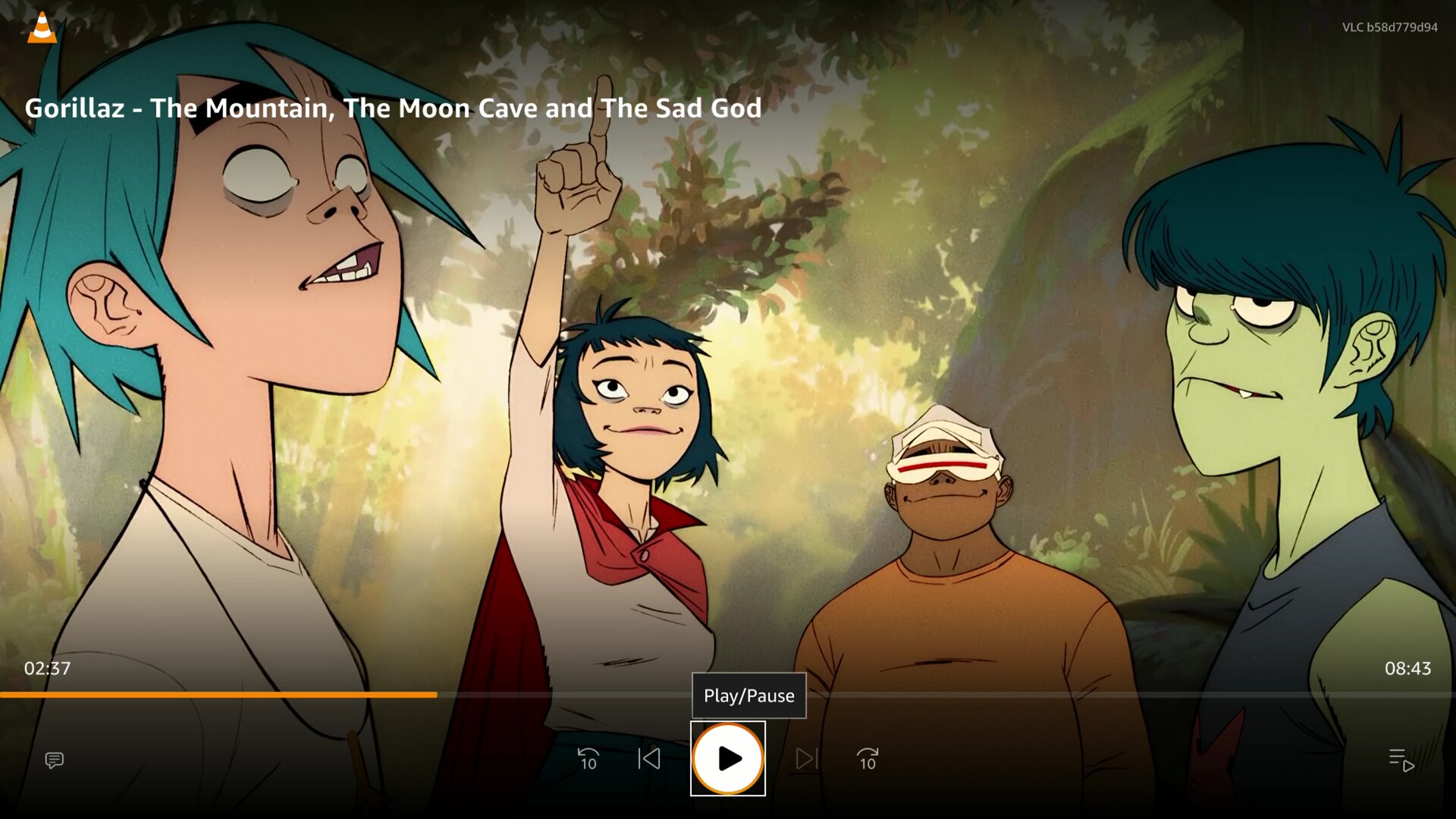
Video playback, with the controls designed for the remote -
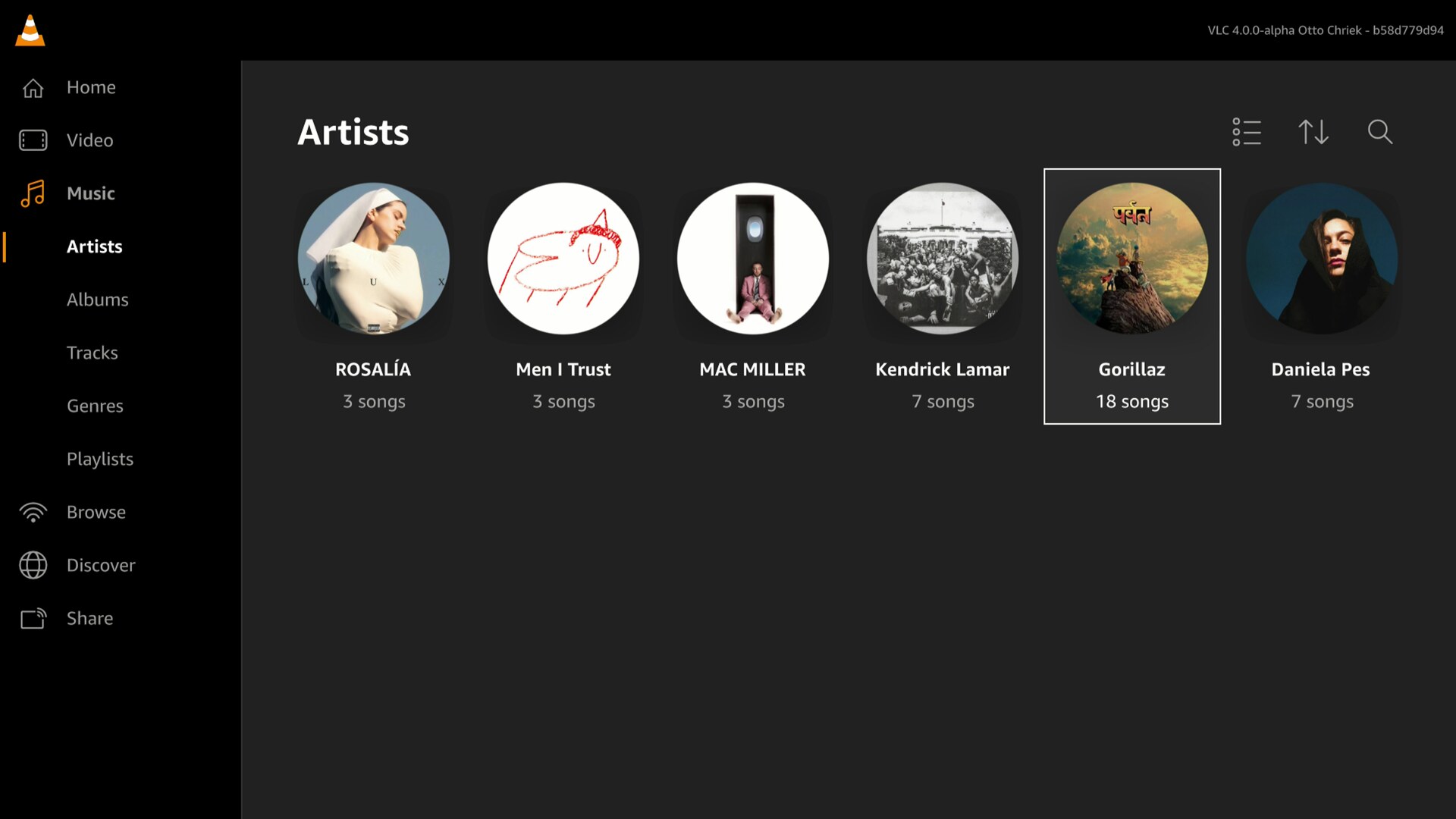
The music library, artists view -
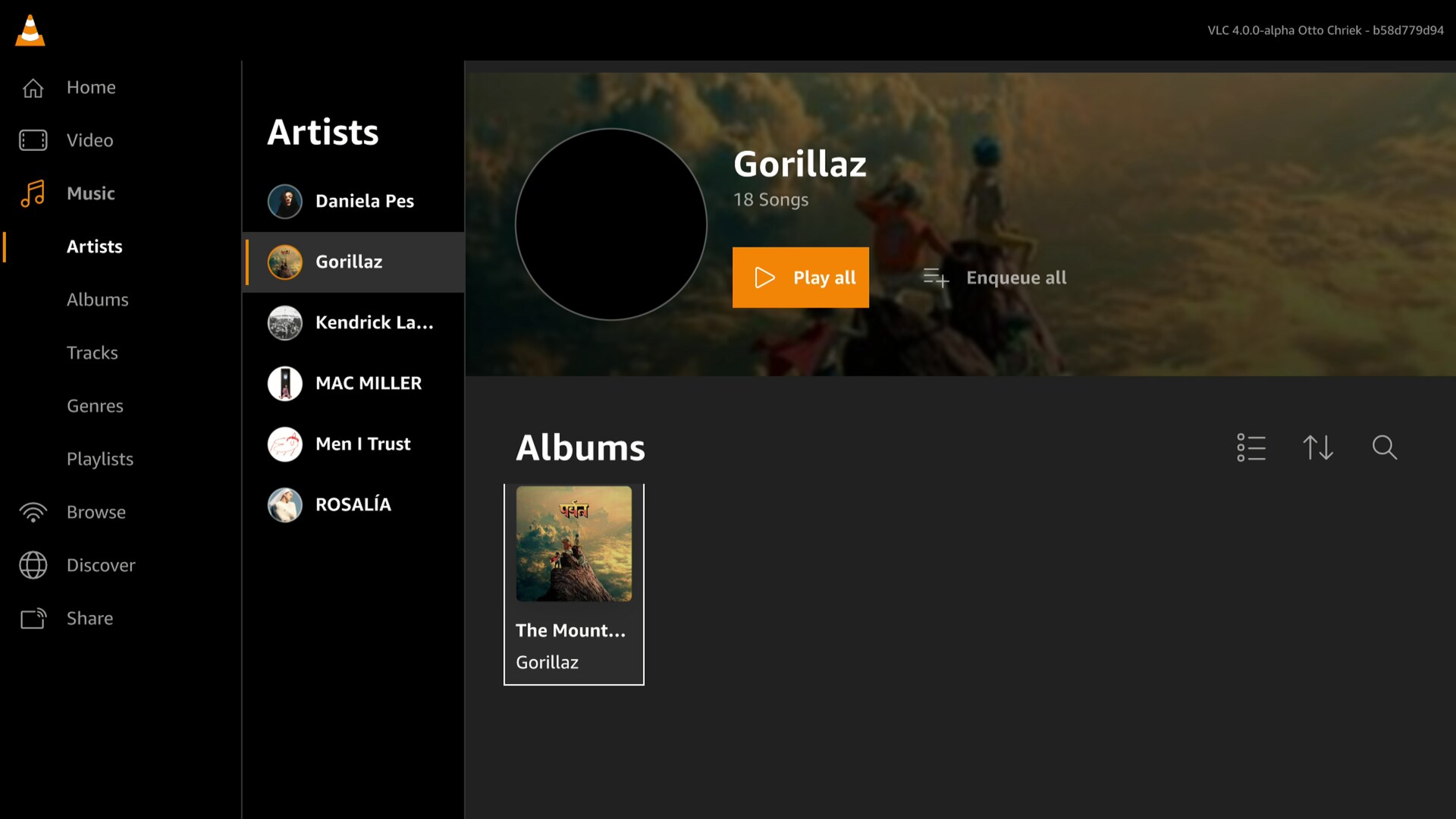
An artist, with the albums -
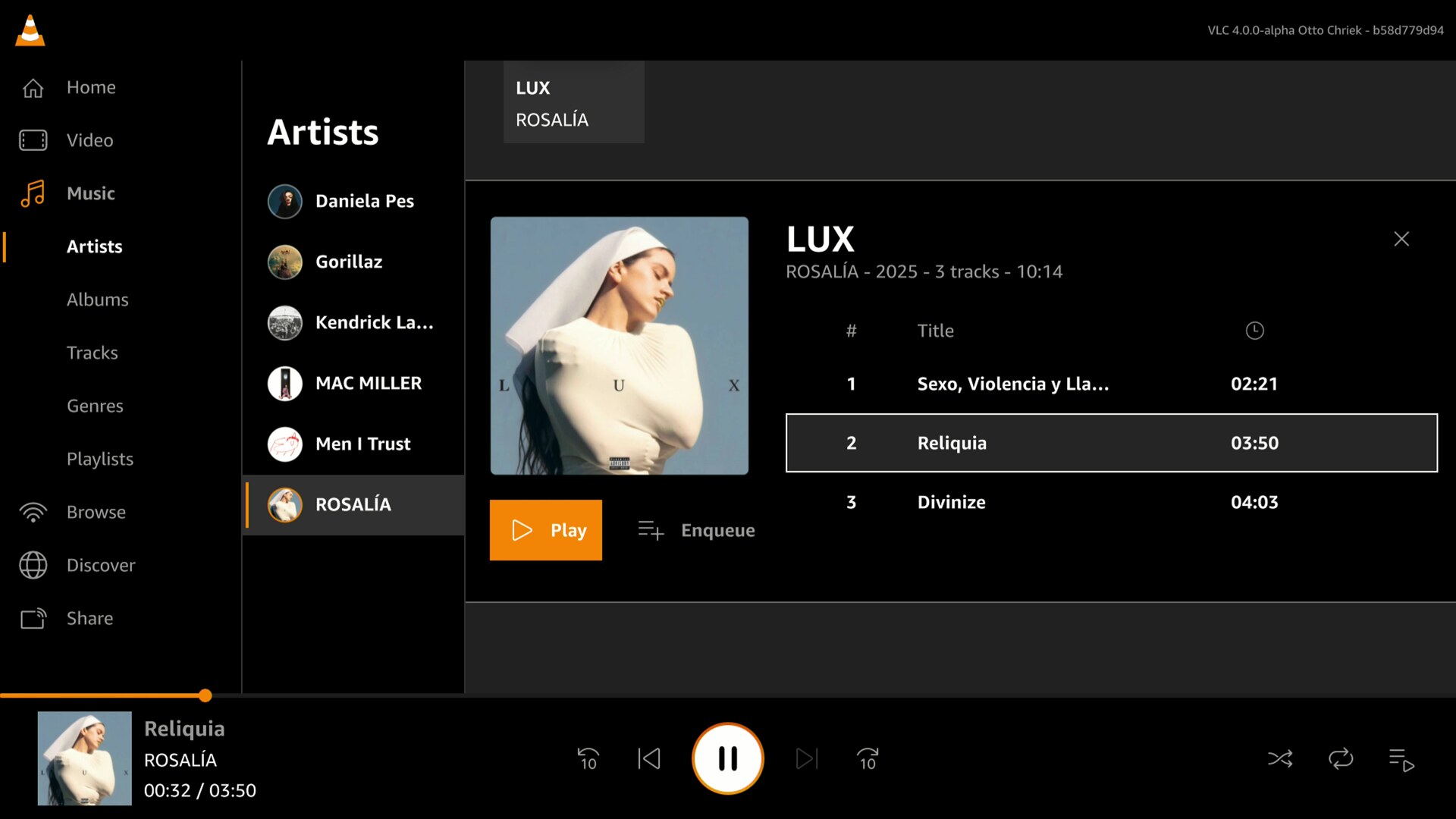
An album, with a song playing
This is similar to the VLC media library you know from the mobile and TV versions: Continue Watching, your videos, and the music library with artists, albums, tracks, genres and playlists.
Under the hood
A few technical details, for the curious.
The new Fire TV sticks are small machines: a 32-bit ARMv7 CPU and 1GB of RAM. VLC runs there fully native: the complete libvlc 4 engine and its plugins, cross-compiled for the device, with Qt 6 on top for the interface.
One QML interface
The interface you see in the screenshots is not a TV rewrite: it is the same QML code as the upcoming VLC 4.0 desktop interface. The media library, the network browsing, the player: shared, identical code.
But this is the adaptation for TV screens, browseable with a remote.
What is specific to Vega OS is the layer below: a Qt platform plugin was written for this OS. It connects Qt to the graphics stack of the system, rendering the interface with OpenGL ES, plus the video compositor and the application lifecycle integration. Everything above that layer did not have to change, and the QML focus navigation naturally maps to the remote control.
This is the whole point of our QML investment: write the interface once, and run it on a desktop with a mouse and keyboard, or on a TV stick with a remote.
Hardware decoding
For 4K, HD and modern codecs, when we can, we use hardware decoders. But this requires custom adaptations to every device.
VLC on Vega OS for FireTV is no exception, we use the hardware decoders of the device, for H.264, HEVC, VP9 and AV1, through the platform media APIs.
And the video pipeline is zero-copy: the decoded video frames go directly from the hardware decoder to the display compositor. This ensures that we use as little CPU as necessary.
Subtitles are rendered separately with our normal subtitles stack and composited on top of the video.
Audio decoding stays in software, like all other ports of VLC.
Getting your files onto the device
These sticks are streaming devices: there is no USB storage, no SD card, and no user-visible file system on Vega OS. So, how do you get your own files into VLC?
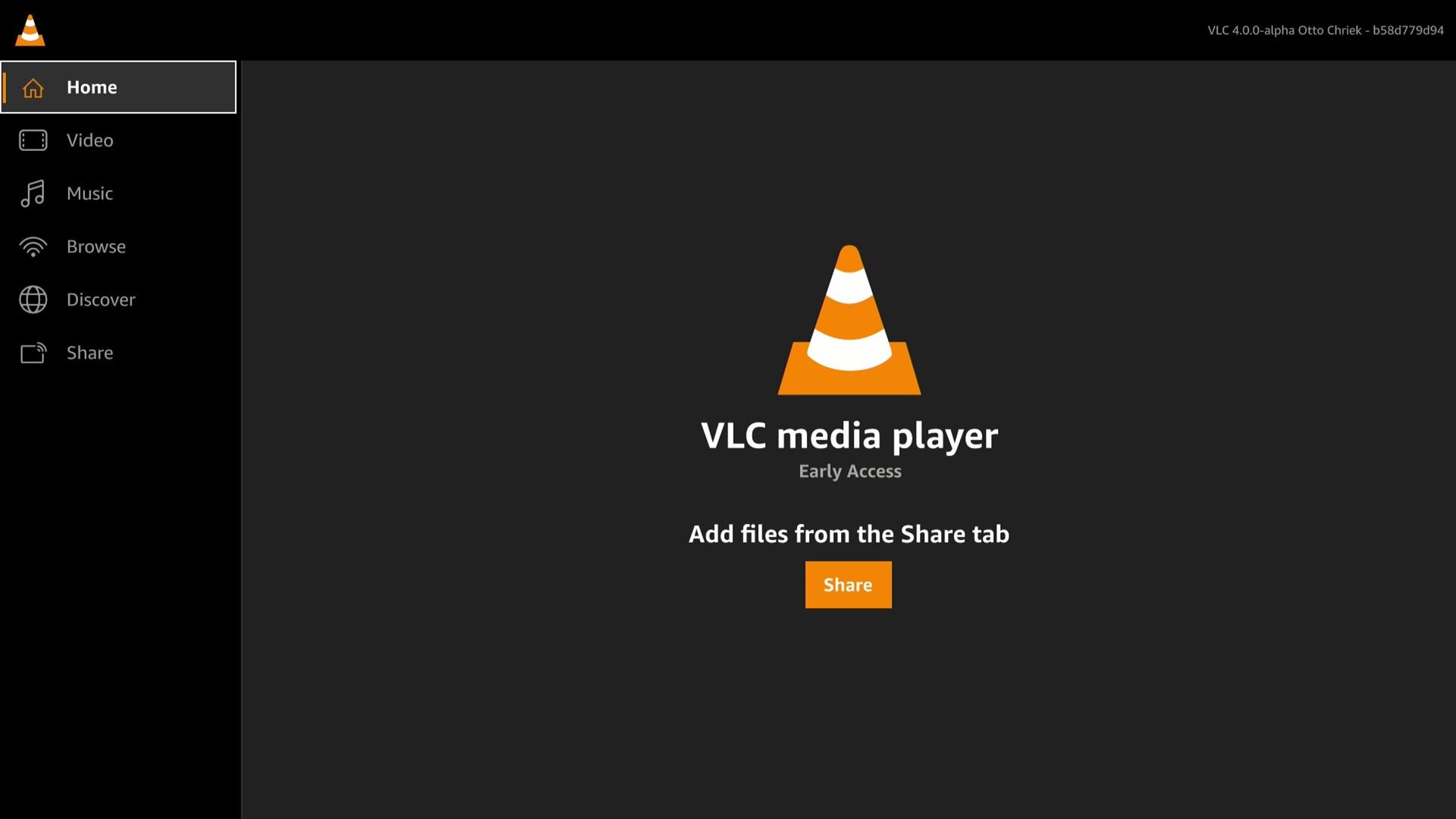
When you launch VLC for the first time, it points you to the answer, the Share tab:
There, VLC starts a small Wi-Fi sharing server on the device, over HTTPS and protected by a code, and shows the address and a QR code on the TV:
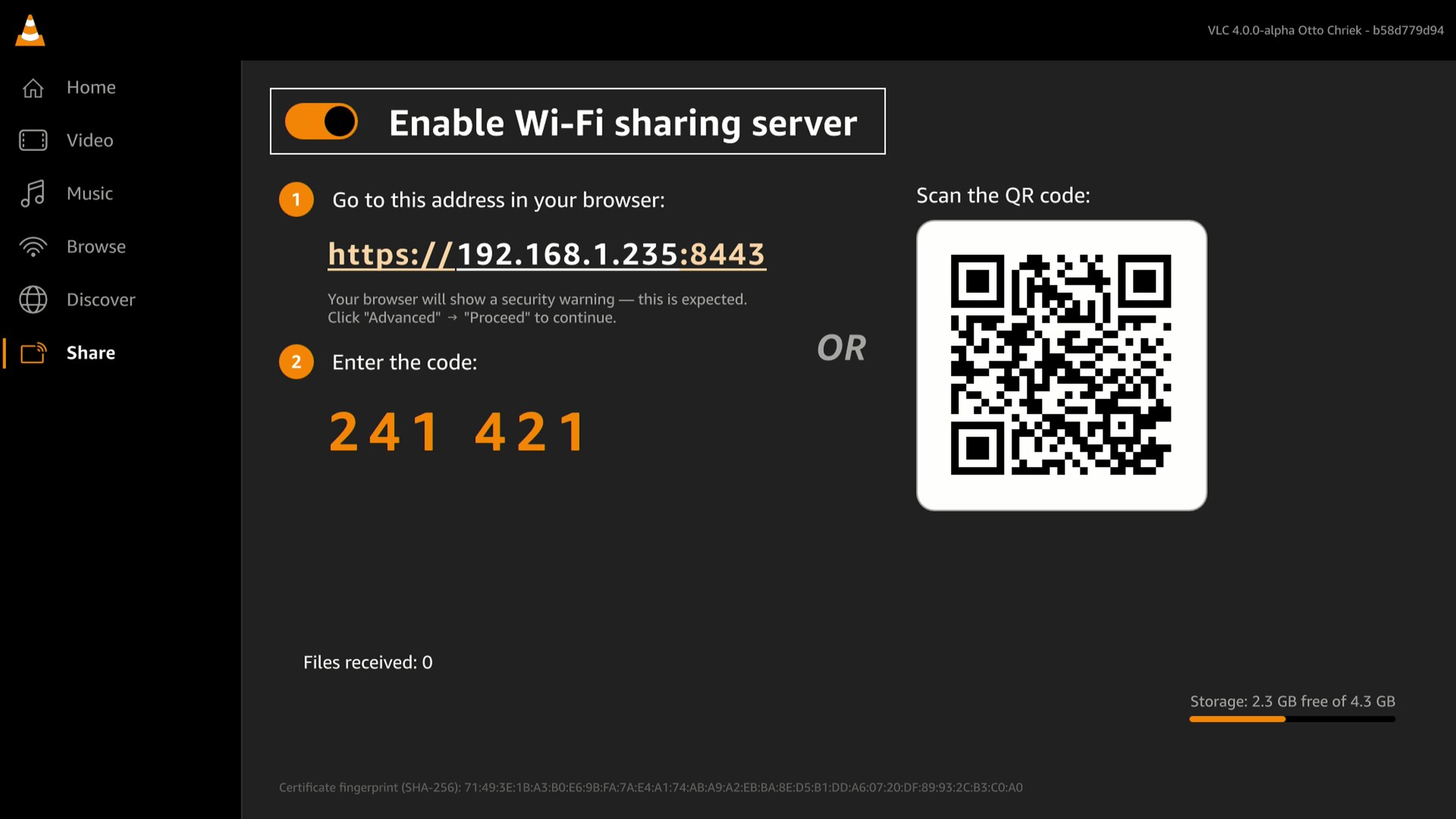
Scan it with your phone, or type the address in the browser of your computer:
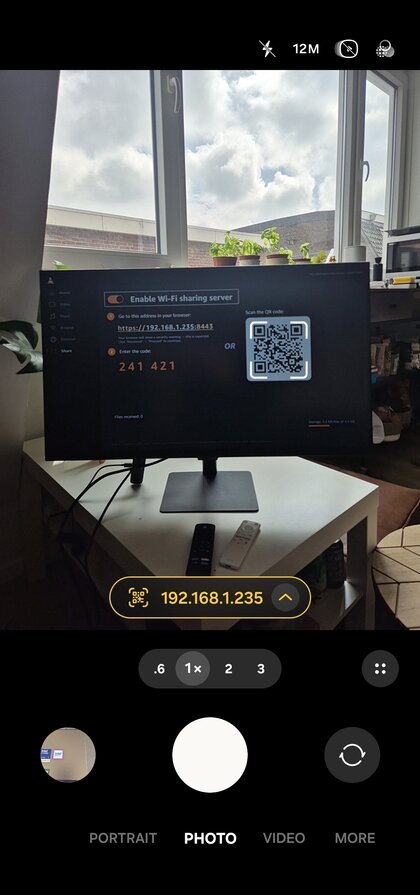
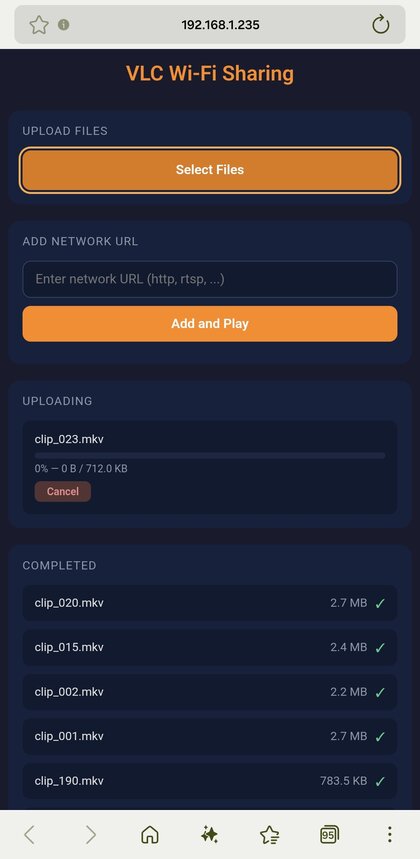
And you get a small web page, served by VLC itself, where you can upload files to the device, or send it a network URL to play:
Network shares
And if your files live on a NAS or on a computer at home, you do not even need to copy them: like on all the other platforms, VLC browses your local network and plays directly from SMB shares and UPnP / DLNA media servers.
Your movies are already one click away, in the Browse tab.
The future
To be clear, this is still a pre-release version, published as Early Access: it works, it plays your files and your streams, but it is not yet feature-complete, and you will find bugs. It will move to a full release later on.
But it is important to have access to a local video player, able to play your own media files.
We will continue to support Vega OS, as part of our larger investment in the QML-based interfaces of VLC 4. The same technology stack now powers the desktop interface and this TV port, and improvements to one benefit the others.
The QML interface still needs improvements for touch-based devices, and we are going to work on making that easier, which will open the door to more ports for other TV OSes.
Download
You can download VLC for Vega OS from the Amazon Appstore, or install it directly from the Appstore on your device, by searching for VLC.
Please report the bugs you find: it is a pre-release, and your feedback is what will make the full release good.
Conclusion
Porting VLC to a completely new operating system used to be a very large undertaking: a new interface, a new video decoding and displaying stack, a new audio stack, from scratch.
With libvlc 4 and QML, with Vulkan, this is becoming much easier: a Qt plugin, a video decoder and an audio output. This should help us to port on more TV operating systems.
In fact, we made this port in less than 2 months.
And VLC 4.0 is no longer just a development branch: as of today, it is running in production, in living rooms. The desktop release is coming too. Slowly, yes. But here it comes.
And, as always, patches are welcome!